
Printing turns a generic seal into an identifier that belongs to you: your logo shows who applied it, and a unique serial number links each seal to a shipment, bag or meter in your records. Most problems with printed seals come from details agreed too late – the wrong marking method for the material, a serial format that does not fit the flag, or a barcode that is too small to scan. This checklist puts those decisions in order.
Step 1: Which seal should you print on?
Choose the seal for the closure first, then check its marking area. The seal type decides how much space you have and which marking methods are possible.
- Plastic seals: the printable flag ranges from small tags to large flags such as 58 × 30 mm on MC-R5. See plastic security seals or how to choose a plastic pull-tight seal.
- Bolt seals: marking goes on the ABS-coated parts. See bolt seals.
- Cable seals: marking goes on the plastic head or the aluminum body. See cable seals.
- Padlock and meter seals: marking goes on the body or flag. See padlock seals and meter seals.
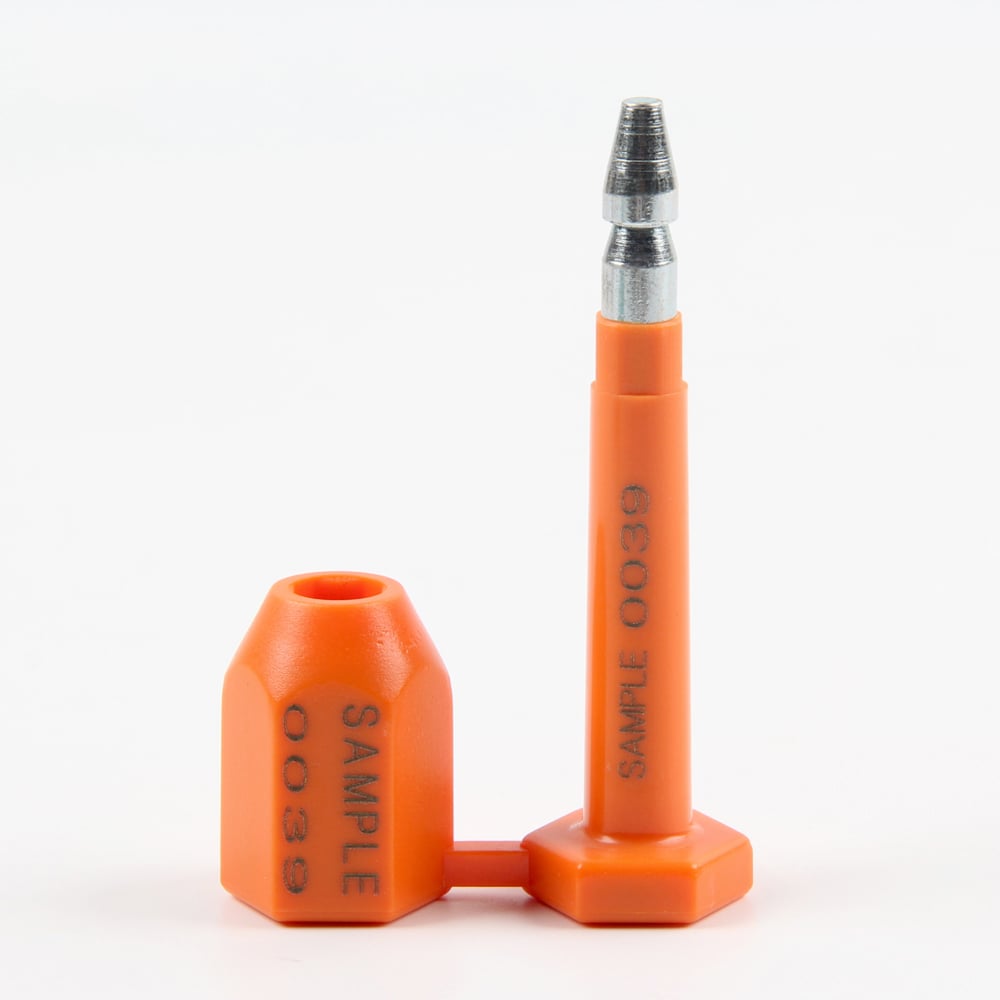
Step 2: Which marking method suits the seal material?
| Seal material | Marking methods | Typical result | Notes |
|---|---|---|---|
| Plastic (polypropylene, polycarbonate, ABS coating) | Laser marking, screen printing, UV printing, hot stamping | Logo, text, serial numbers, barcodes | Process, colour and readability confirmed on a production sample |
| Aluminum-alloy cable seal bodies | Laser marking only | White marking on the coloured body | Plastic printing options do not apply to aluminum |
| Steel parts (e.g. metal strap seals) | The method stated for that model, such as embossing or laser marking | Engraved or embossed characters | Confirm for the exact model before artwork is finalised |
Laser marking is commonly used for serial numbers and barcodes because each piece can be marked differently. Screen printing, UV printing and hot stamping suit logos and fixed text. Many orders combine both: a printed logo plus laser-marked sequential numbers.
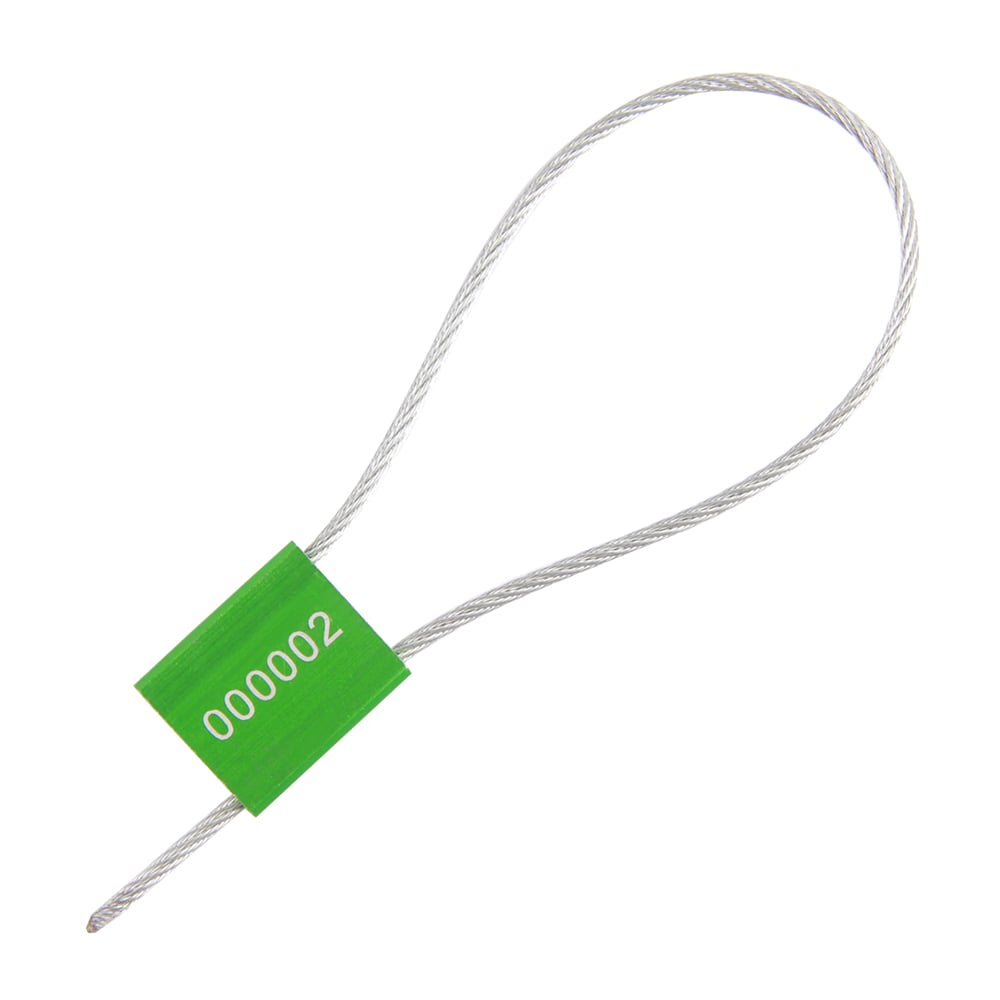

Step 3: How should you format serial numbers and barcodes?
Define the numbering before artwork, because it decides how much space you need.
- Prefix: letters that identify your company, site or seal type (for example "AB").
- Digits: how many, and whether they keep leading zeros (000001 rather than 1).
- Range: the first and last number for this order, so ranges never overlap between orders.
- Barcode or QR code: the code type and exactly what it encodes – usually the same serial number as the printed text.
- Records: who keeps the list of issued numbers and how it is matched to shipments.
Our security seal numbering checklist covers these points in more detail.
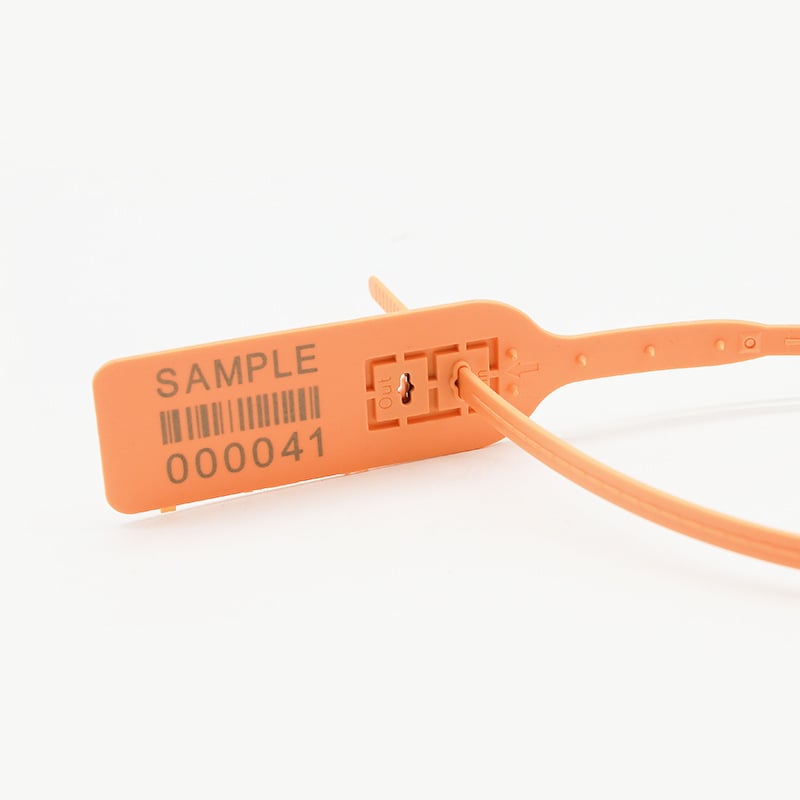
Step 4: What artwork should you send?
- The logo as a vector file (AI, EPS, PDF or SVG); a high-resolution PNG can be used for checking.
- The exact text, font preference and the position of each element on the flag or body.
- Colours: the seal colour and, for printed logos, the ink colour. Stock seal colours vary by model – MC-250B, for example, comes in nine standard colours, with custom colours on enquiry.
- Any contrast requirement, for example dark printing on a light seal so numbers can be read in poor light.

Step 5: Why approve a production sample?
A sample is the only reliable way to check that the logo is sharp, the numbers are readable, the barcode scans and the marking does not interfere with the lock or tear-off point. Check the sample against your artwork and number format, then confirm the bulk order. Website artwork is illustrative; the approved sample is the standard for production.
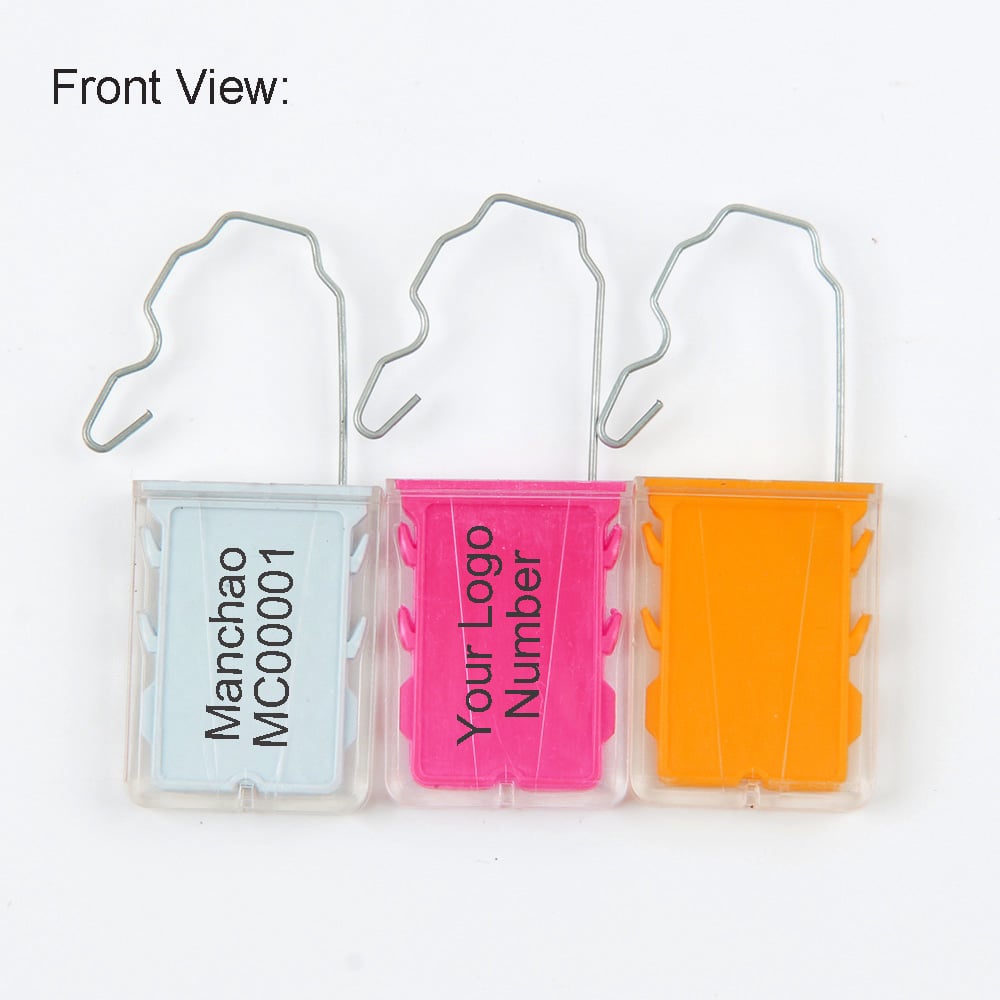
Ordering checklist
| Item | What to provide |
|---|---|
| Seal model | Model number, or a photo of the closure and the hole size |
| Quantity | Per order and per year (catalogue MOQ depends on the model) |
| Marking | Logo, text, serial format, barcode or QR type and encoded data |
| Colours | Seal colour and ink colour |
| Artwork | Vector logo file and layout/position |
| Delivery | Destination country and any packing requirement (e.g. numbers in sequence per bag) |
| Approval | Who signs off the sample |
Frequently asked questions
What is the minimum order for printed security seals?
It depends on the model. Catalogue MOQs on our printed models range from 500 pieces (MC-250B) to 10,000 pieces, and the quotation confirms the MOQ for your model and marking.
Can every security seal be laser marked?
Most plastic seals can, aluminum cable seal bodies are laser marked only (white result), and steel parts follow the method for that specific model. The method is confirmed for the exact model before production.
Can you print a barcode or QR code that matches the serial number?
Yes, where the marking area allows it. Tell us the code type and exactly what it should encode – usually the same serial number as the printed text – and check that it scans on the sample.
Can I choose the colour of the seal and the printing?
Yes. Each model has standard colours, and custom colours are available on enquiry. Choose the seal and ink colours together so the marking stays readable.
How do I avoid duplicate serial numbers between orders?
Agree a prefix and a number range for every order and keep a register of issued ranges. Continue each new order from the last number of the previous one.
What file format should my logo be in?
A vector file such as AI, EPS, PDF or SVG gives the sharpest result. A high-resolution PNG is useful for checking but may not be suitable for production.
Do I need to approve a sample?
We strongly recommend it. A production sample confirms the marking method, position, readability and barcode scanning before the bulk order is made.
Ready to order?
Send your seal model or closure photo, quantity, logo artwork and numbering format through our quote form. We will confirm the marking method and sample in the quotation. More details are on our customization page.
Compare seal types →